
Manual chapter
Settings
Configure appearance, vehicle defaults, units, fuel fields, tags, record categories, payment methods, Sync & Sharing, support, Pro status, and reset options.
Appearance
Pro users can choose appearance modes such as system, light, and dark from Settings > Appearance.
Vehicle Settings
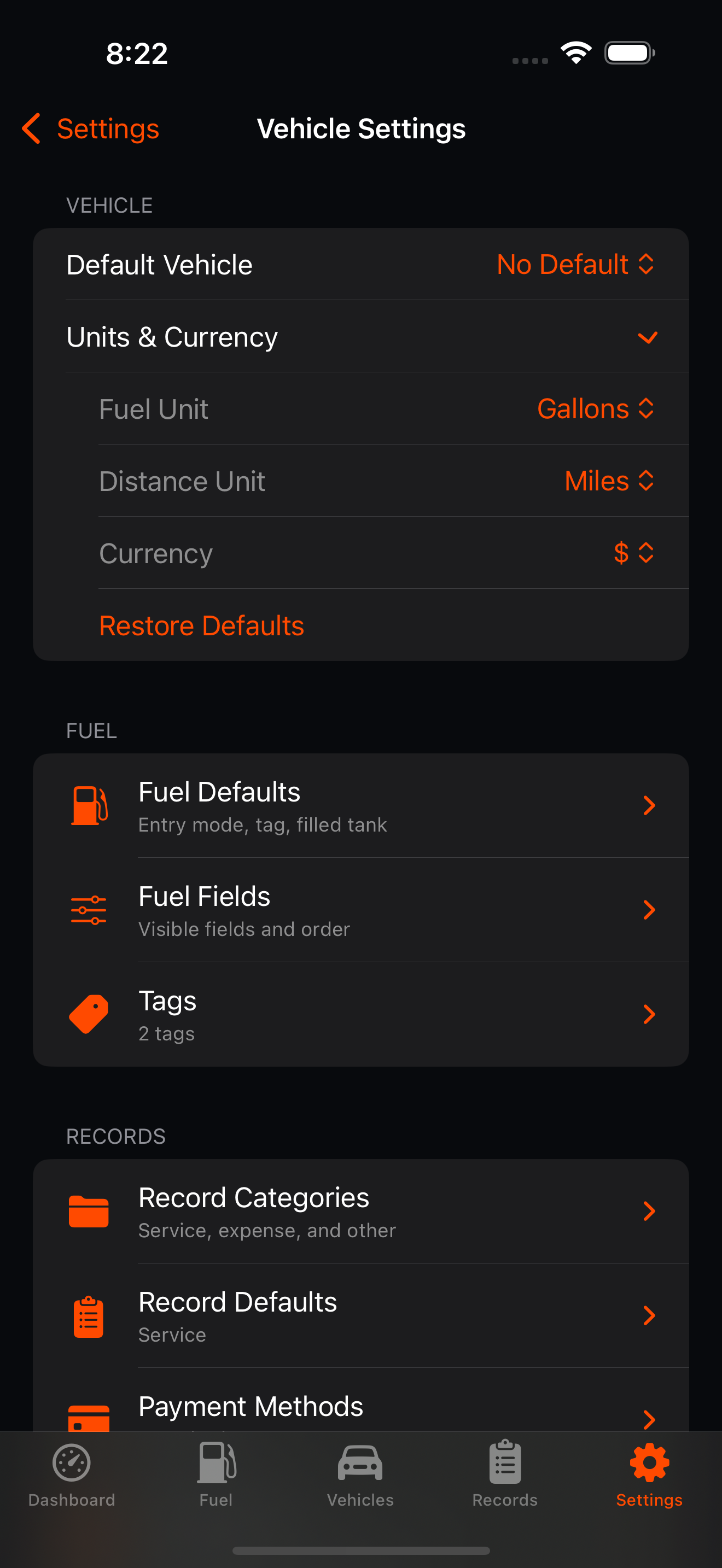
Settings > Vehicle Settings controls the default or usable vehicle, Units & Currency, Fuel settings, Records settings, and whether archived vehicles are shown. Fuel and Records rows expand inline instead of opening separate pages.
Units and Currency
Settings > Vehicle Settings > Units & Currency expands controls for fuel unit, distance unit, currency, and restoring defaults.
Sync and Sharing
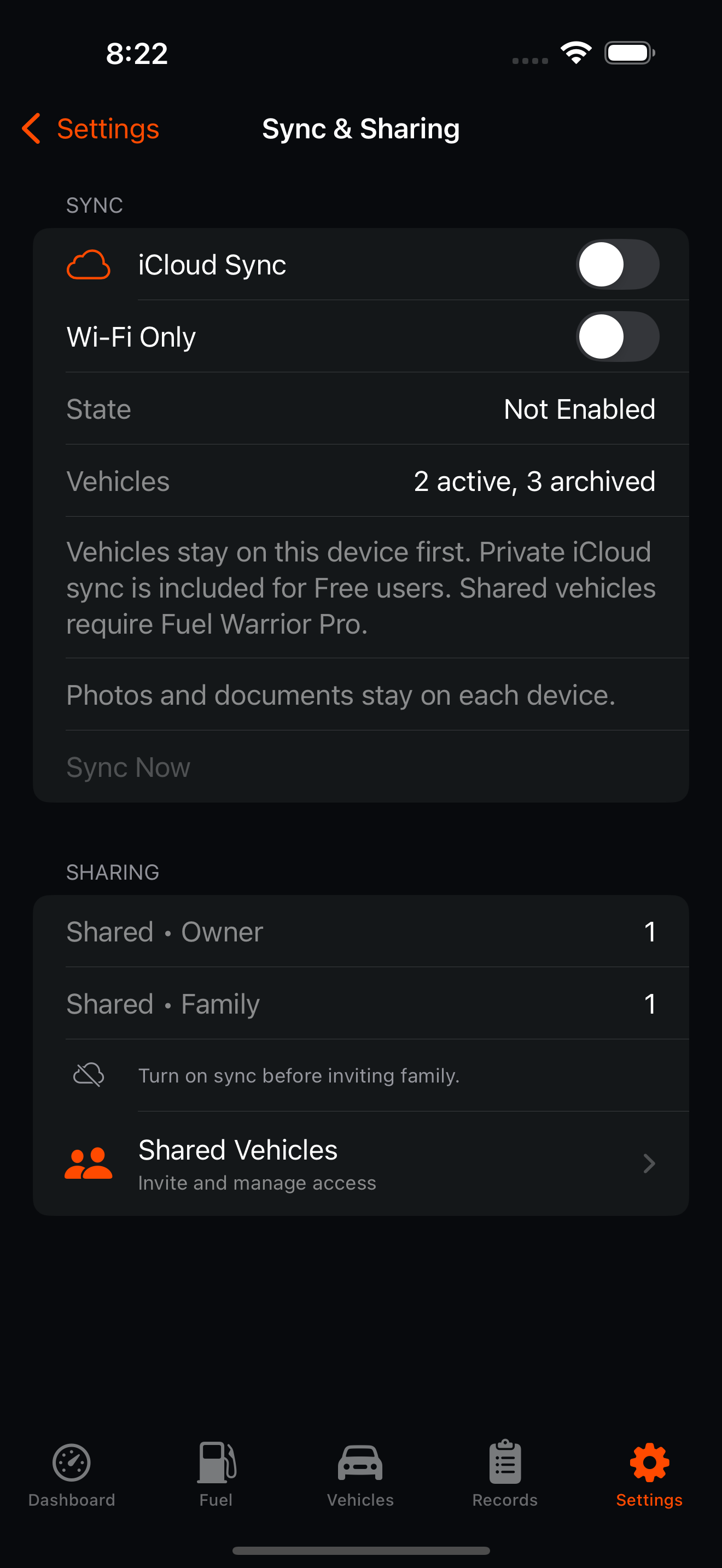
Settings > Sync & Sharing shows private iCloud sync status, shared vehicle status, active vehicle counts, and Sync Now. Sharing tools live in the same Sync & Sharing page.
Backup and Import
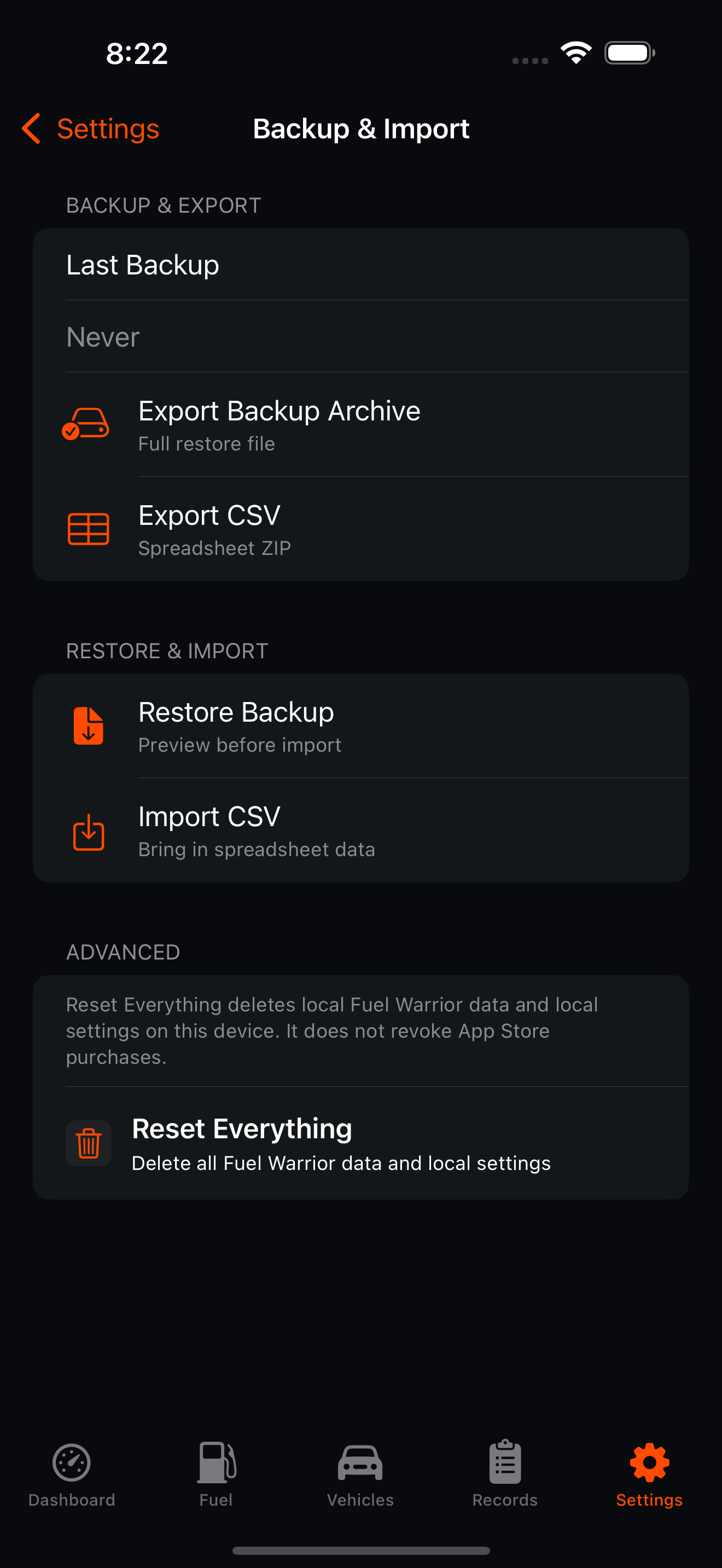
Settings > Sync & Sharing > Backup & Import separates backup/export actions from restore/import actions. Export Backup Archive creates a point-in-time restore file; Export CSV creates a spreadsheet ZIP; Restore Backup and Import CSV preview before saving. Reset Everything is under Advanced.
Fuel Defaults
Settings > Vehicle Settings > Fuel > Fuel Defaults expands default distance-entry mode, default tag, filled-tank default, and reset-statistics default.
Fuel Fields
Settings > Vehicle Settings > Fuel > Fuel Fields expands optional Add Fuel fields. Vehicle, date/time, fuel amount, cost/price, and odometer/trip fields are always shown.
Record Categories
Settings > Vehicle Settings > Records > Record Categories expands service, expense, and other category lists.
Record Defaults
Settings > Vehicle Settings > Records > Record Defaults lets Pro users configure default record type and default vehicle behavior.
Payment Methods
Settings > Vehicle Settings > Records > Payment Methods controls reusable payment text for records and defaults.
Support
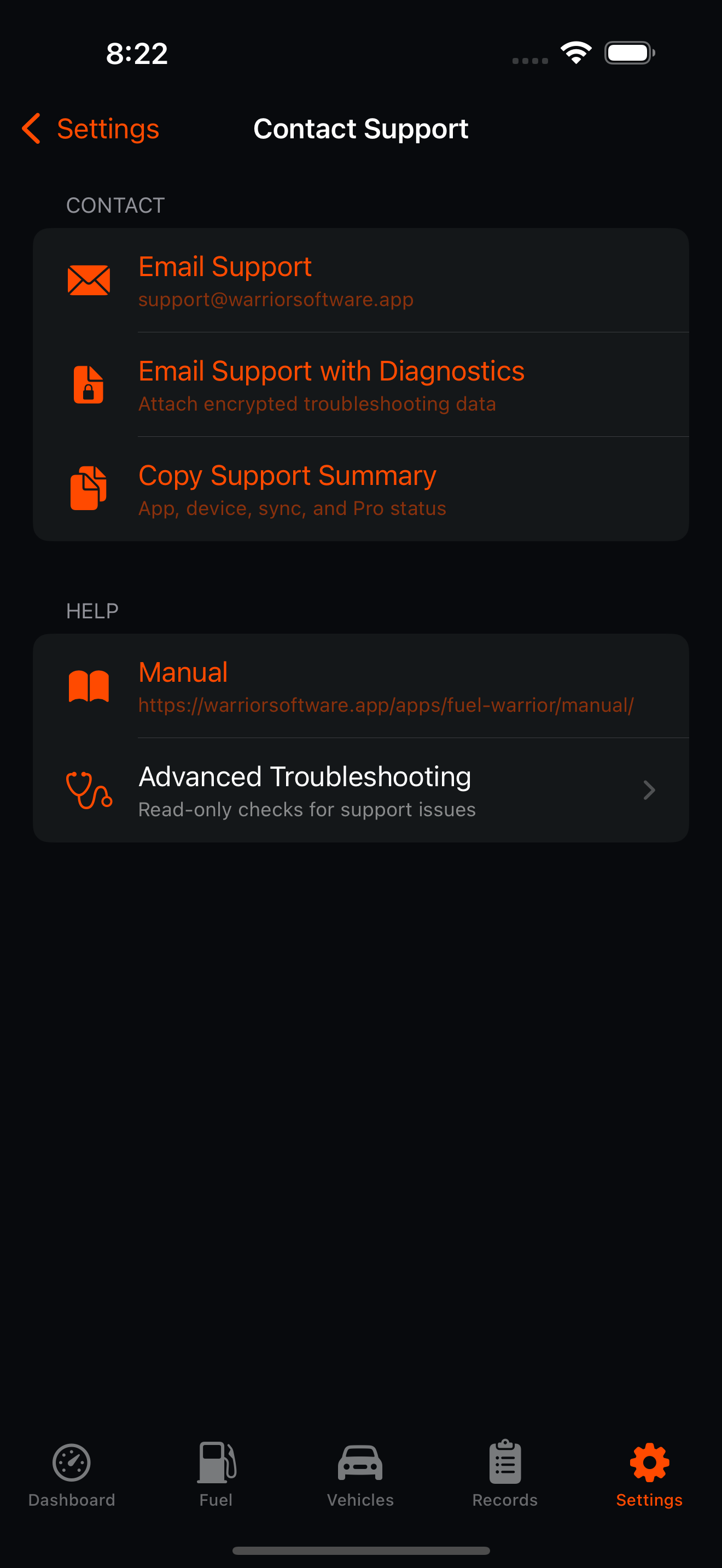
Support options include Contact Support, About, Rate & Review, and Share App. Contact Support includes Email Support, Email Support with Diagnostics, Copy Support Summary, the manual, and Advanced Troubleshooting.
Fuel Warrior Pro
The Fuel Warrior Pro section shows current Pro status or upgrade prices and includes Restore Purchases. Pro unlocks unlimited owned active vehicles, OCR scanning, advanced analytics, Family Sync, appearance customization, advanced record defaults, and priority support.
Reset Options
Settings > Sync & Sharing > Backup & Import > Advanced > Reset Everything deletes local Fuel Warrior data and local settings after confirmation. This does not revoke App Store purchases.