
Manual chapter
Sync and Sharing
Use iCloud sync, manual backup archives, CSV export, and restore/import tools without confusing sync with backup.
How Sync Works
Sync is optional. Private iCloud sync keeps personal Fuel Warrior data current across your own Apple devices. Family vehicle sharing is a separate Pro feature.
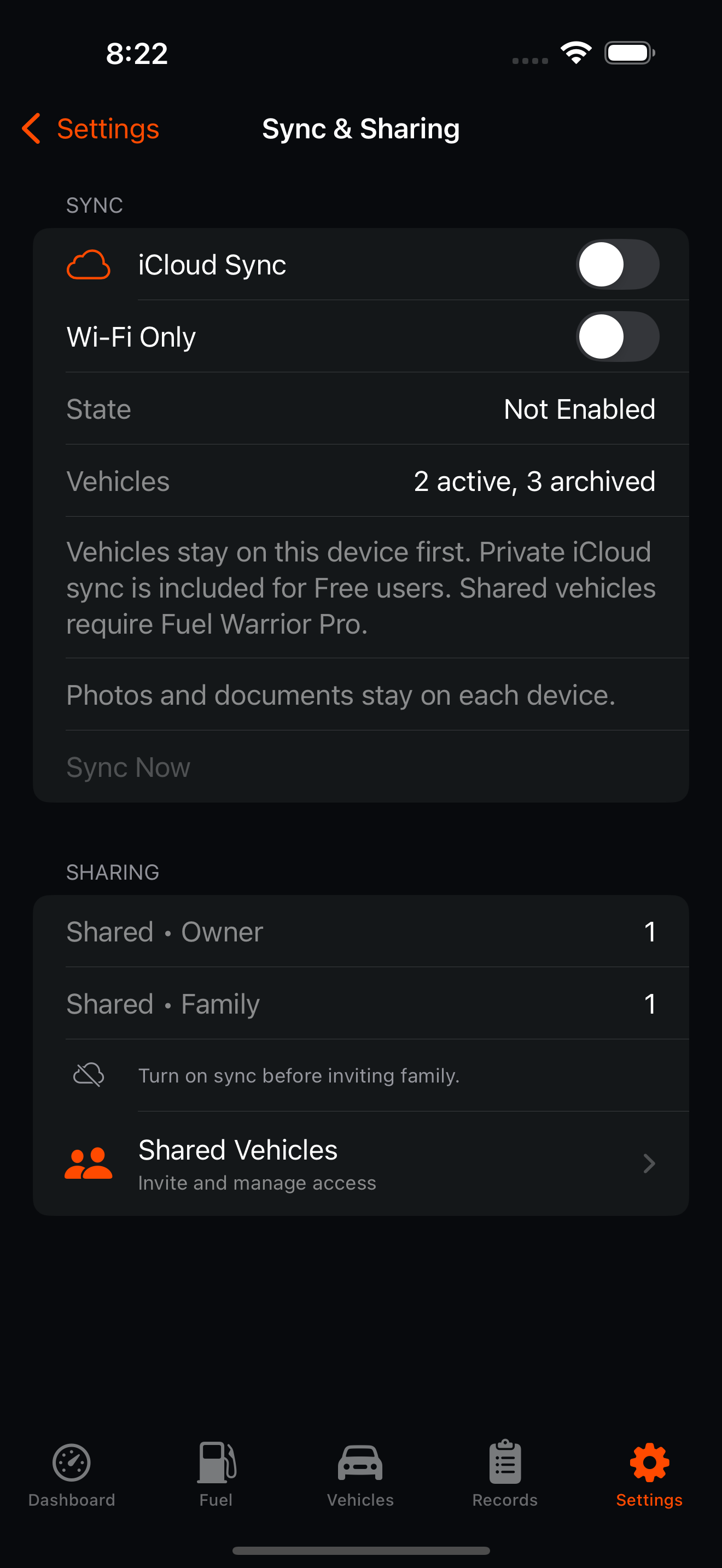
Vehicle Package Sync
Fuel Warrior syncs by vehicle package: a vehicle plus its related logs, maintenance, records, and safe metadata. The package is the scheduling and conflict unit. Newer remote packages replace local packages, newer local packages replace remote packages, equal timestamps resolve locally, and a missing side yields to the existing side.
Local-First Architecture
Fuel Warrior remains usable when sync is off, delayed, or unavailable. Local changes are saved first and queued for later sync.
Diagnostics
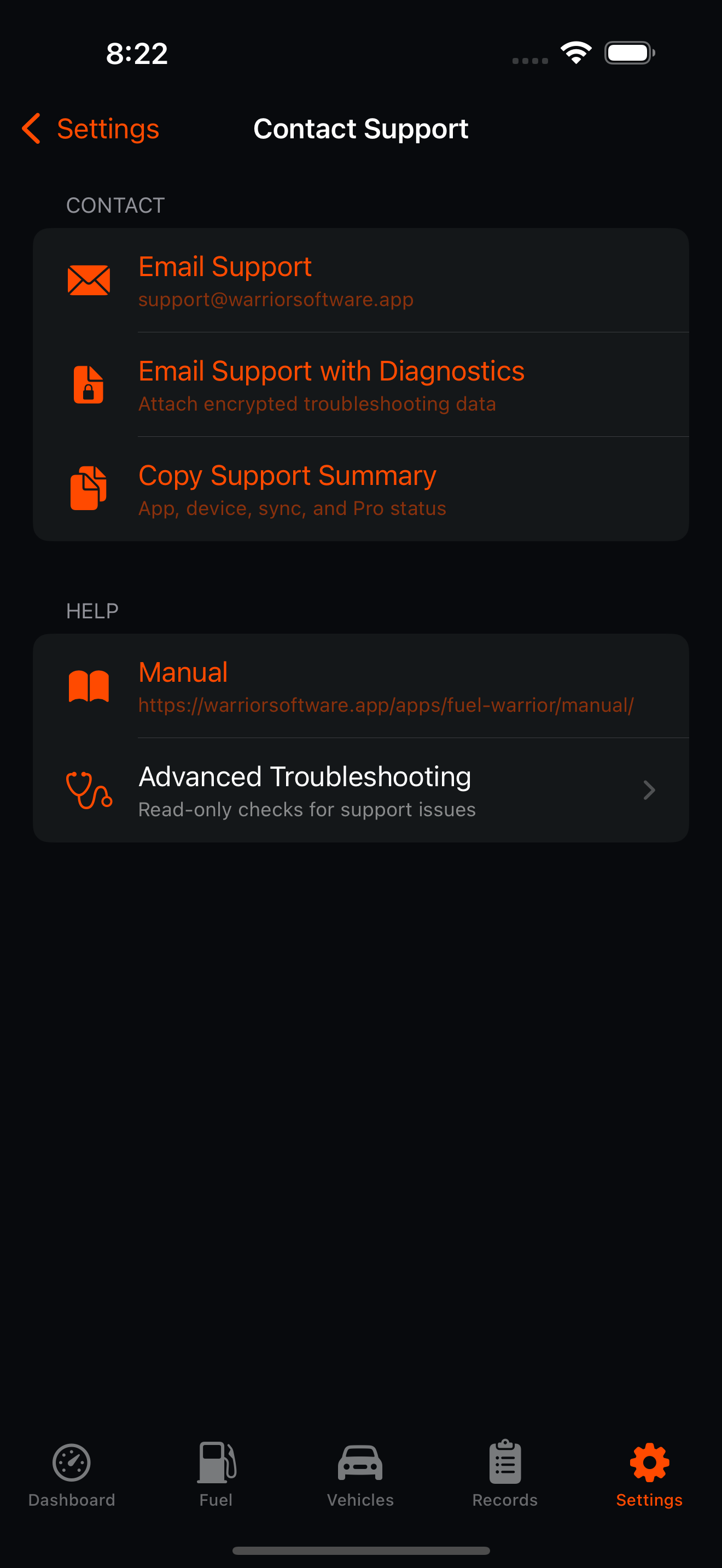
Contact Support includes a diagnostics option that creates an encrypted troubleshooting package only after confirmation. Advanced Troubleshooting includes read-only checks, such as Run Data Check, that do not repair, reset, or delete user data.
Limitations
Sync is not the same thing as backup. If bad data is saved or deleted data syncs, that state can propagate across devices. Use Export Backup Archive for a point-in-time file you can keep separately. Attachments, photos, and documents remain local-only for sync.