Features
Scan Warrior features
Scan Warrior is a coming-soon iPhone document scanner focused on turning paper into well-named PDFs in the folder you choose. Scanning, PDF creation, and optional OCR are handled on device.
App documentation
Feature details, limitations, user value, and screenshots are generated from app-specific documentation data.
Overview
Expandable feature documentation
Each feature carries summary, detail, user value, availability, limitations, roadmap notes, and screenshot references.
Multi-page Document Scanning
Paid App Capture a document as one PDF and review its pages before saving.
Expand Collapse
Multi-page Document Scanning
Paid AppCapture a document as one PDF and review its pages before saving.
How it works
Use Apple’s document scanning interface to capture pages, then review the scan, include or exclude pages, and add more pages before creating a PDF.
Why it matters
Reviewing the complete document before saving helps keep the final PDF in the right order and avoids unnecessary rescans.
Files Destinations and Quick Locations
Paid App Choose a destination in Files and save up to five frequently used folders.
Expand Collapse
Files Destinations and Quick Locations
Paid AppChoose a destination in Files and save up to five frequently used folders.
How it works
Choose from locations available through Apple Files, including On My iPhone and iCloud Drive. Set the destination behavior to use a default folder, the last-used folder, or ask each time. Up to five saved folders can be used as Quick Locations.
Why it matters
Saving directly to a useful folder makes scanned paperwork easier to find and organize.
Filename Builder
Paid App Preview a filename using a document name, optional prefix, date, format, and separator.
Expand Collapse
Filename Builder
Paid AppPreview a filename using a document name, optional prefix, date, format, and separator.
How it works
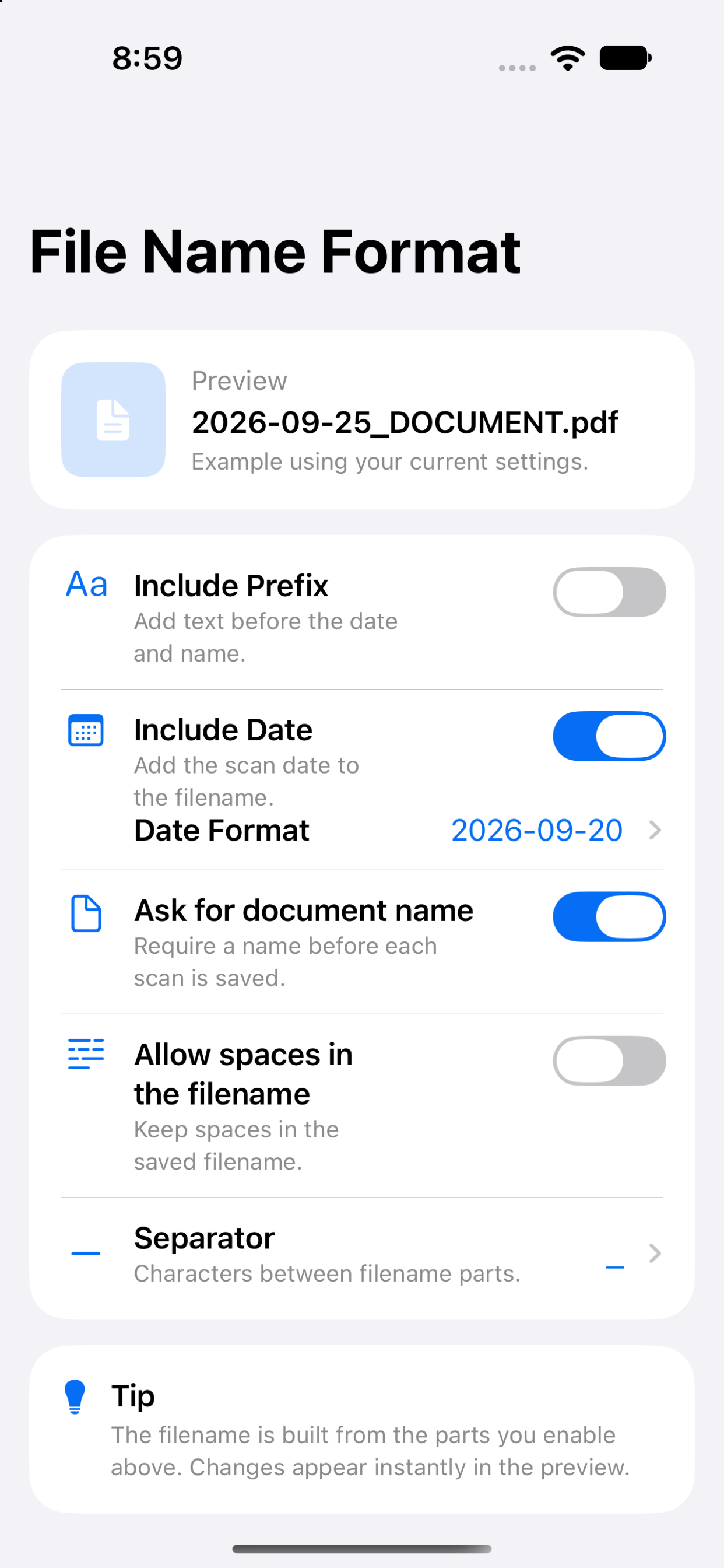
Configure filename components including the document name, optional prefix, date, date format, and separator. Review the resulting filename before saving.
Why it matters
A descriptive filename can make a document recognizable without opening it.
PDF Quality and Optional OCR
Paid App Choose Small, Standard, or High quality and optionally create a searchable text layer.
Expand Collapse
PDF Quality and Optional OCR
Paid AppChoose Small, Standard, or High quality and optionally create a searchable text layer.
How it works
Select Small, Standard, or High PDF quality. Optional on-device Vision OCR adds a text layer to the generated PDF so supported text can be searched and copied. OCR processing stays on the device.
Why it matters
You can balance file size and image quality, and enable text search when it is useful for the document.
Limitations
OCR recognition depends on the legibility and orientation of the scanned page.
Save, Share, and Recent Scans
Paid App Save, save and share, or share a PDF without saving it permanently from the scan flow.
Expand Collapse
Save, Share, and Recent Scans
Paid AppSave, save and share, or share a PDF without saving it permanently from the scan flow.
How it works
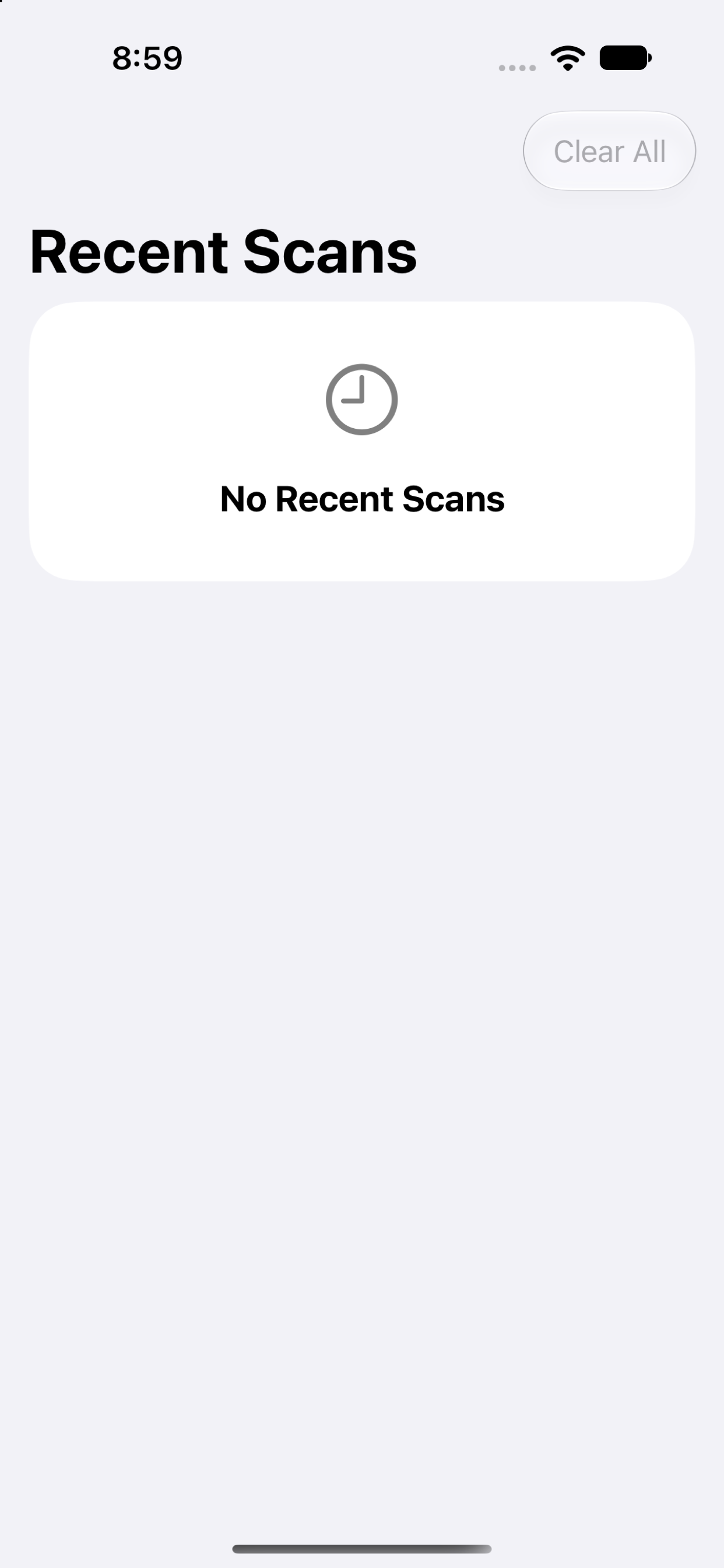
The workflow supports saving a PDF, saving and then sharing it, or sharing without permanently saving it through the app. Recent Scans shows the filename, date, page count, and destination. When a filename already exists, duplicate handling can ask what to do, keep both, or replace.
Why it matters
Choose the handoff that fits the task while keeping a lightweight in-app history of recent work.
On-device Processing and Privacy
Paid App No app account, backend, analytics SDK, or advertising SDK is part of the product.
Expand Collapse
On-device Processing and Privacy
Paid AppNo app account, backend, analytics SDK, or advertising SDK is part of the product.
How it works
Scan capture, PDF creation, and optional OCR run on the device. Scans and related settings remain on device unless you save a PDF to a Files location or share it.
Why it matters
Paperwork can be processed without uploading it to a Scan Warrior service.
Limitations
Files locations and sharing destinations are provided by iOS and may store or transmit a PDF according to the destination and your choices.
Comparison
Scan Warrior availability.
Coming soon. The planned model is a one-time paid download with no subscription or in-app purchases; final availability and price will be confirmed at launch.
| Capability | Planned app | Separate upgrade |
|---|---|---|
| App availability | Coming soon | Planned one-time paid download; launch details pending |
| Subscription or in-app purchases | None currently planned | None currently planned |
| Account requirement | No app account planned | No app account planned |
| Scanning, PDF creation, and optional OCR | Included in planned app | Included in planned app |
Screenshots
Scan Warrior in the app
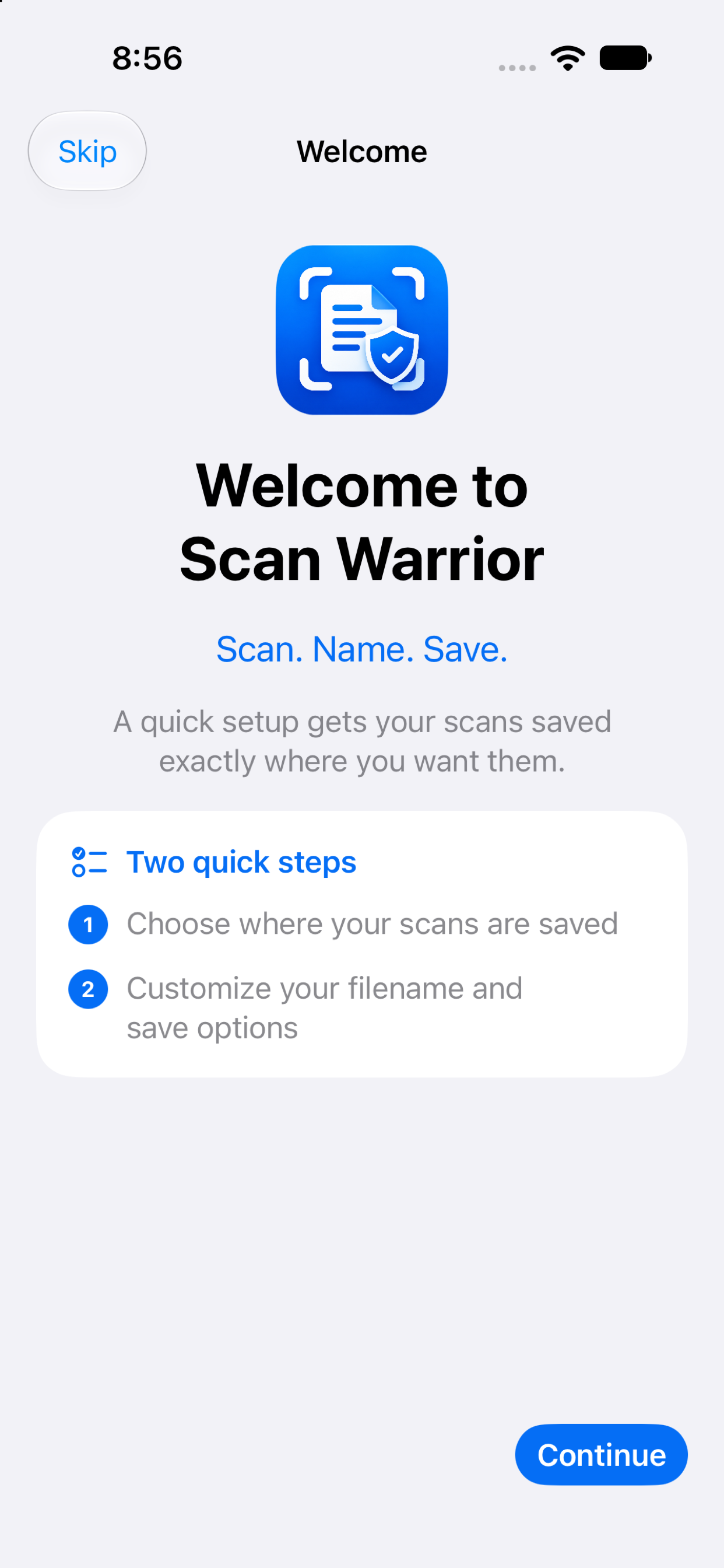
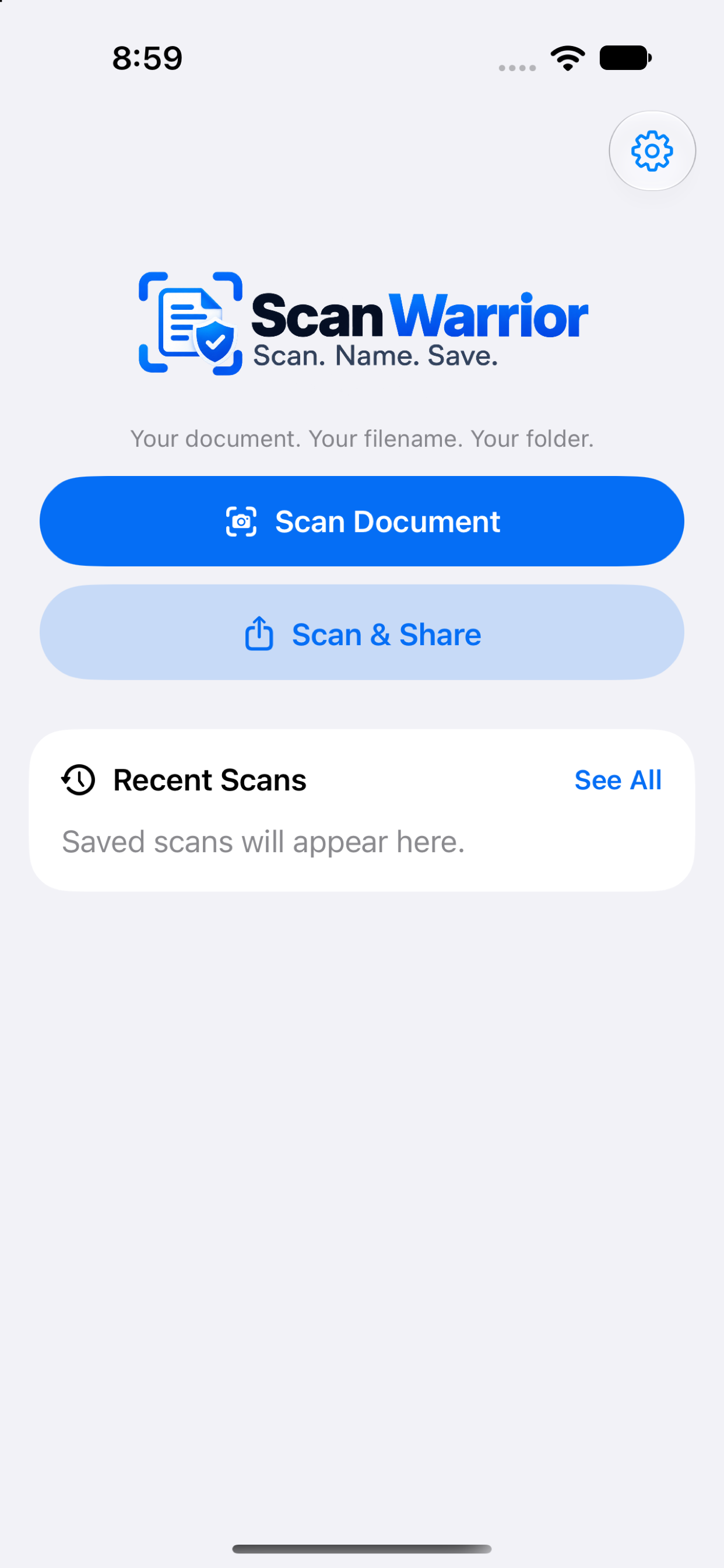
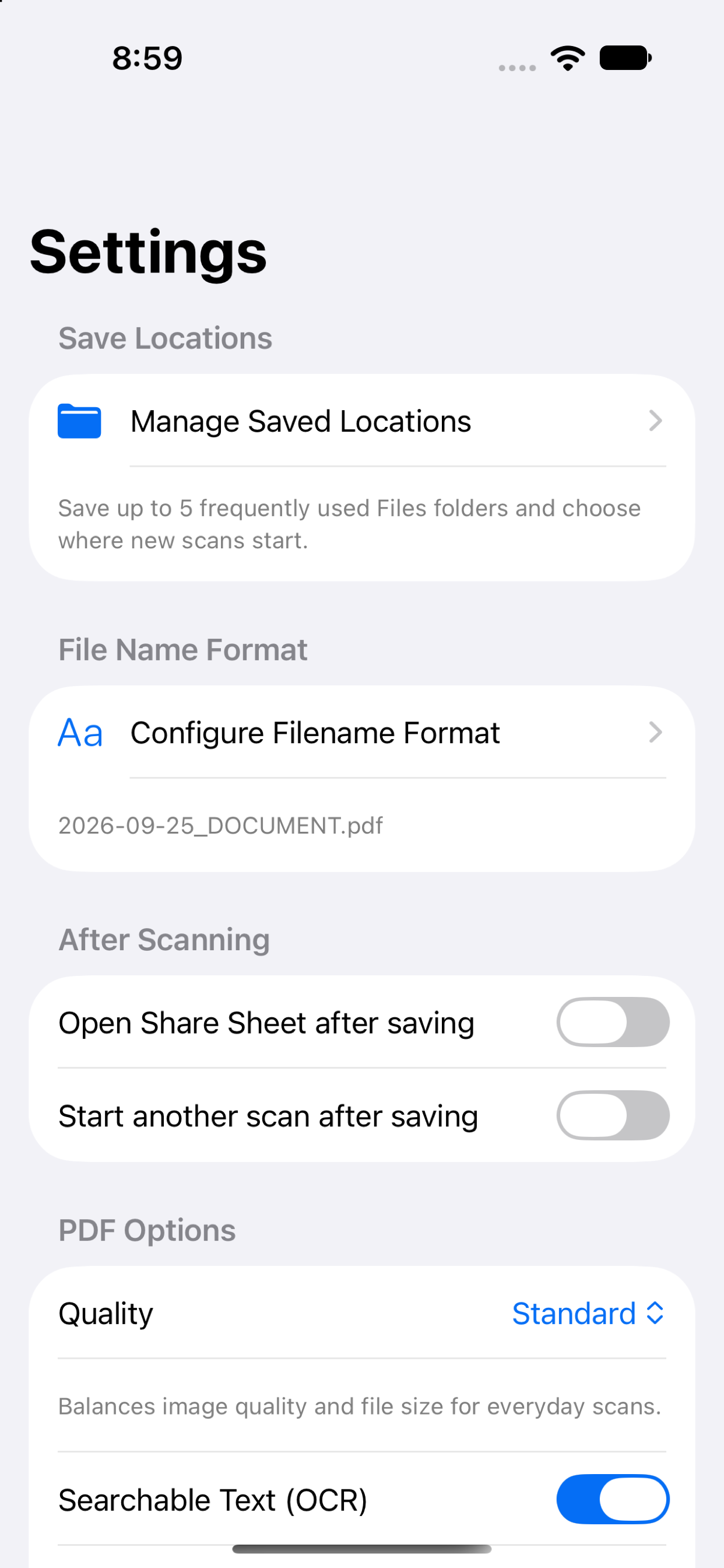
Screens from the current iPhone app, including setup, the home screen, filename controls, settings, and recent scans.