Who it is for
Scan paper pages into a PDF, choose a useful filename, and save it to the folder where it belongs.
Document scanning

Scan paper pages into a PDF, choose a useful filename, and save it to the folder where it belongs.
Document scanning
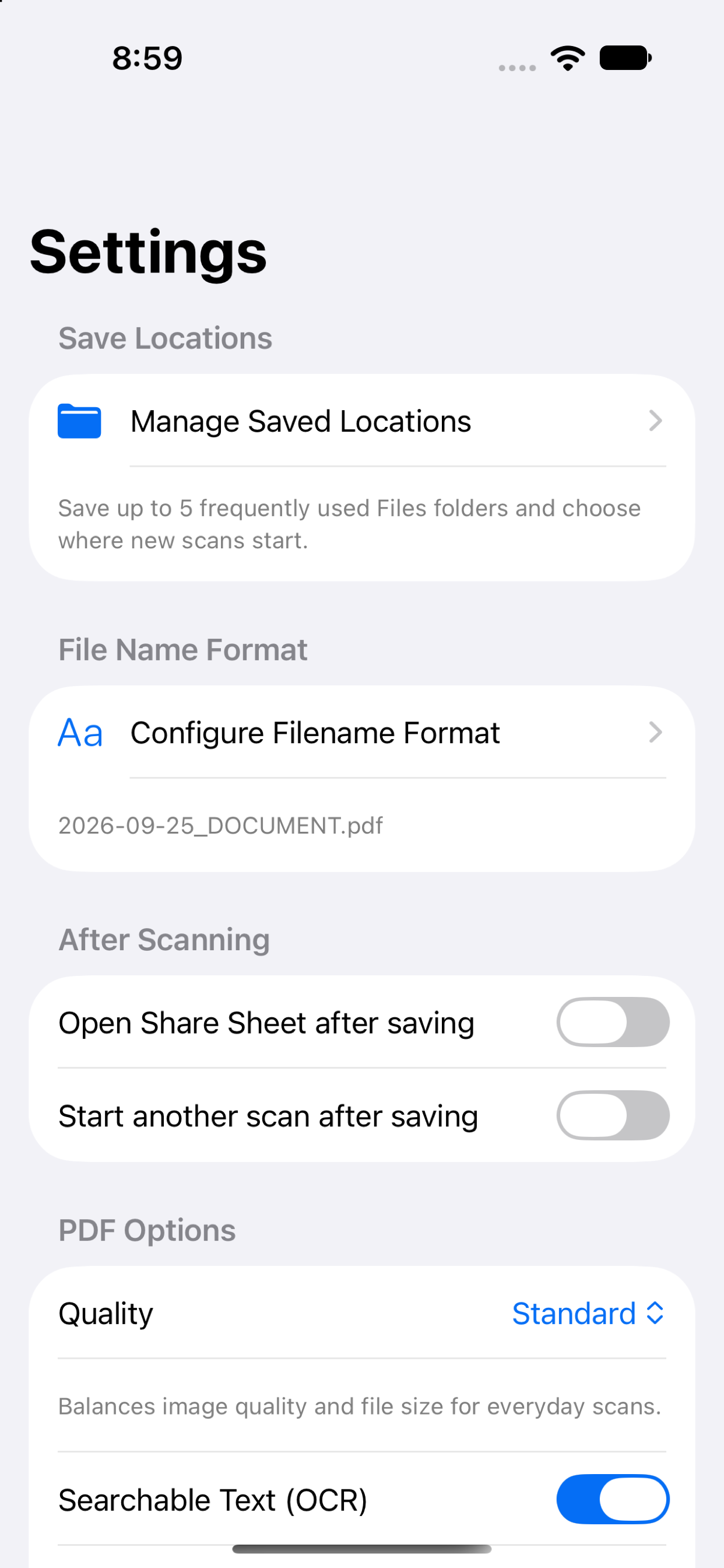
Scan Warrior is a focused document scanner for iPhone. Scan one or more pages, review and select pages, set a filename and PDF quality, then save or share the document.
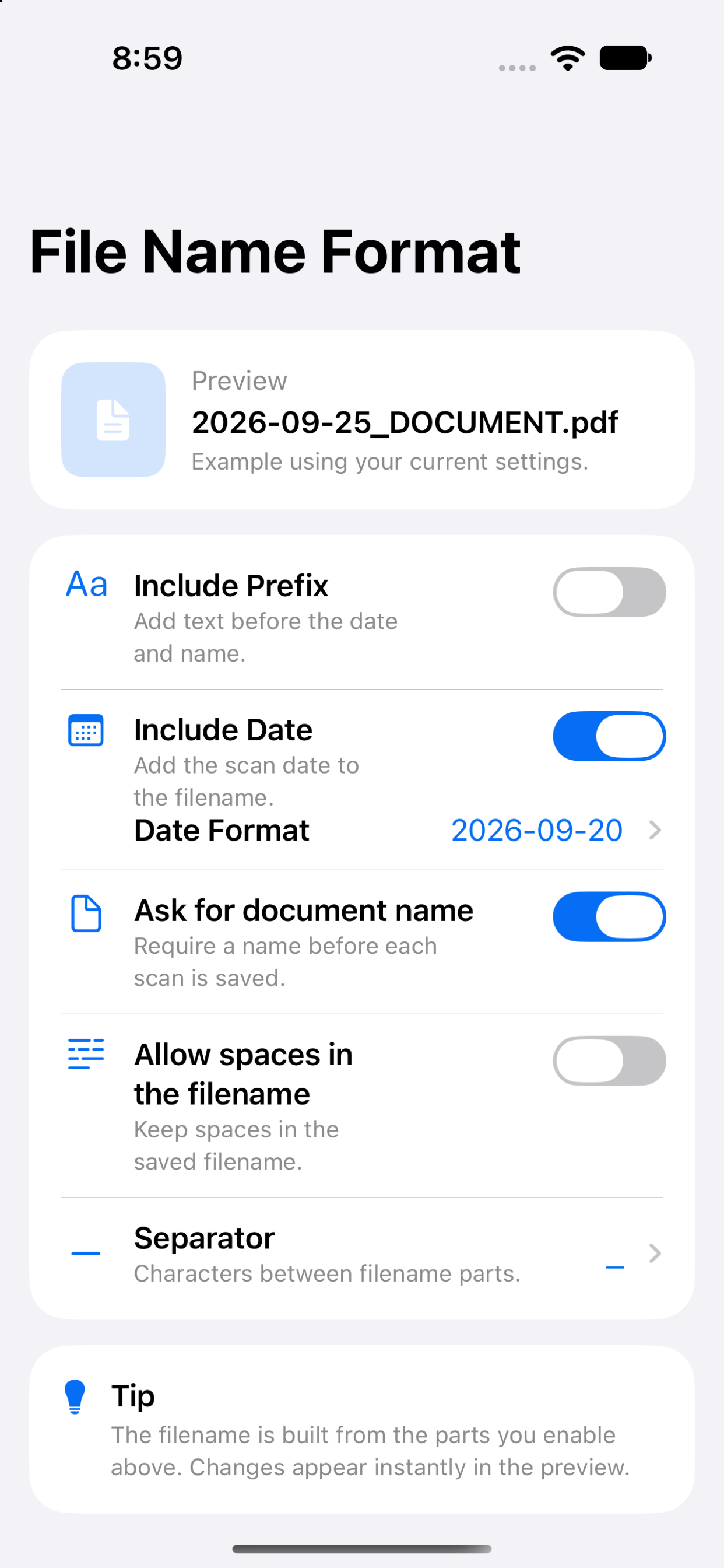
Use Apple’s document scanner for automatic page capture, then create a PDF on your device. Choose a destination in Files, save up to five frequently used folders, build filenames with a prefix and date, and optionally add a local OCR text layer so words in the PDF can be searched and copied.
Scan paper pages into a PDF, choose a useful filename, and save it to the folder where it belongs.
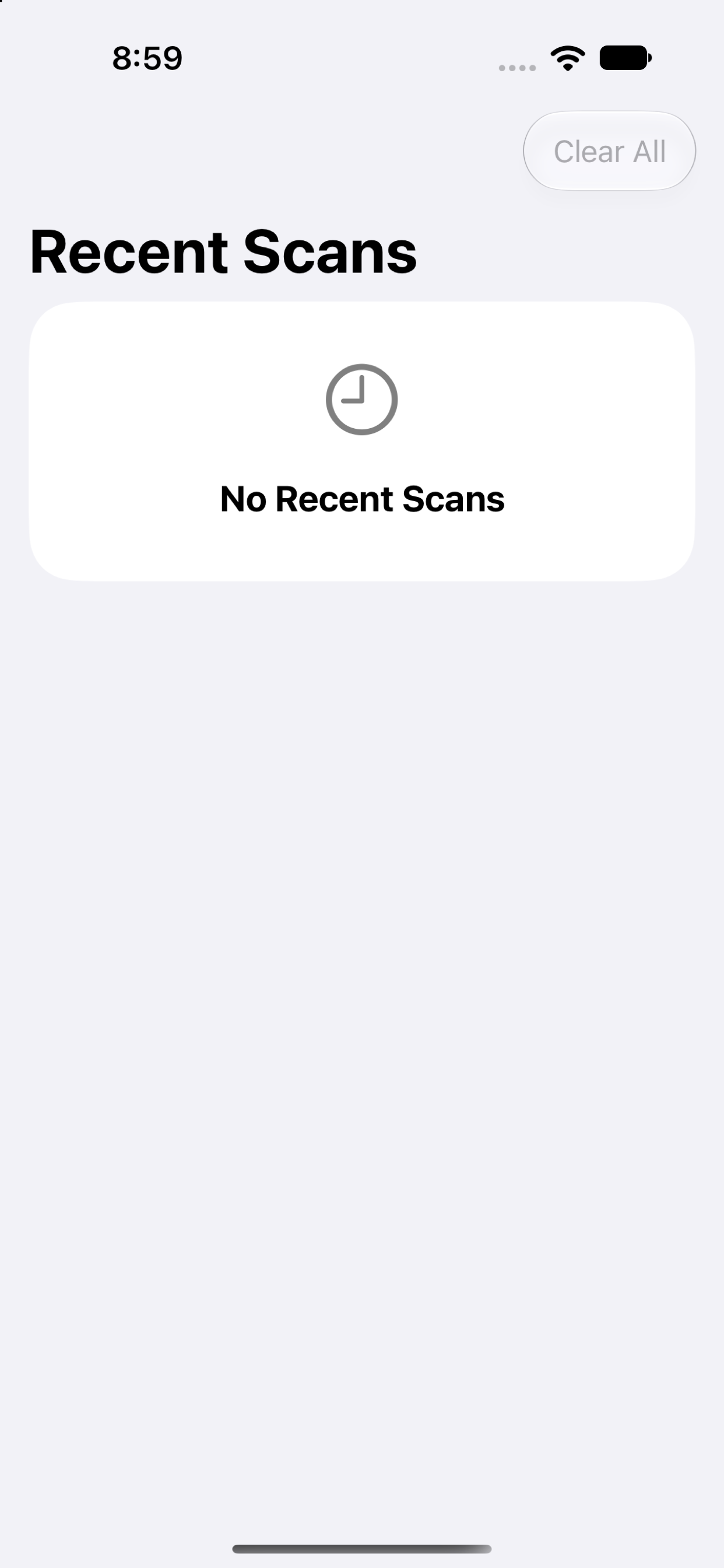
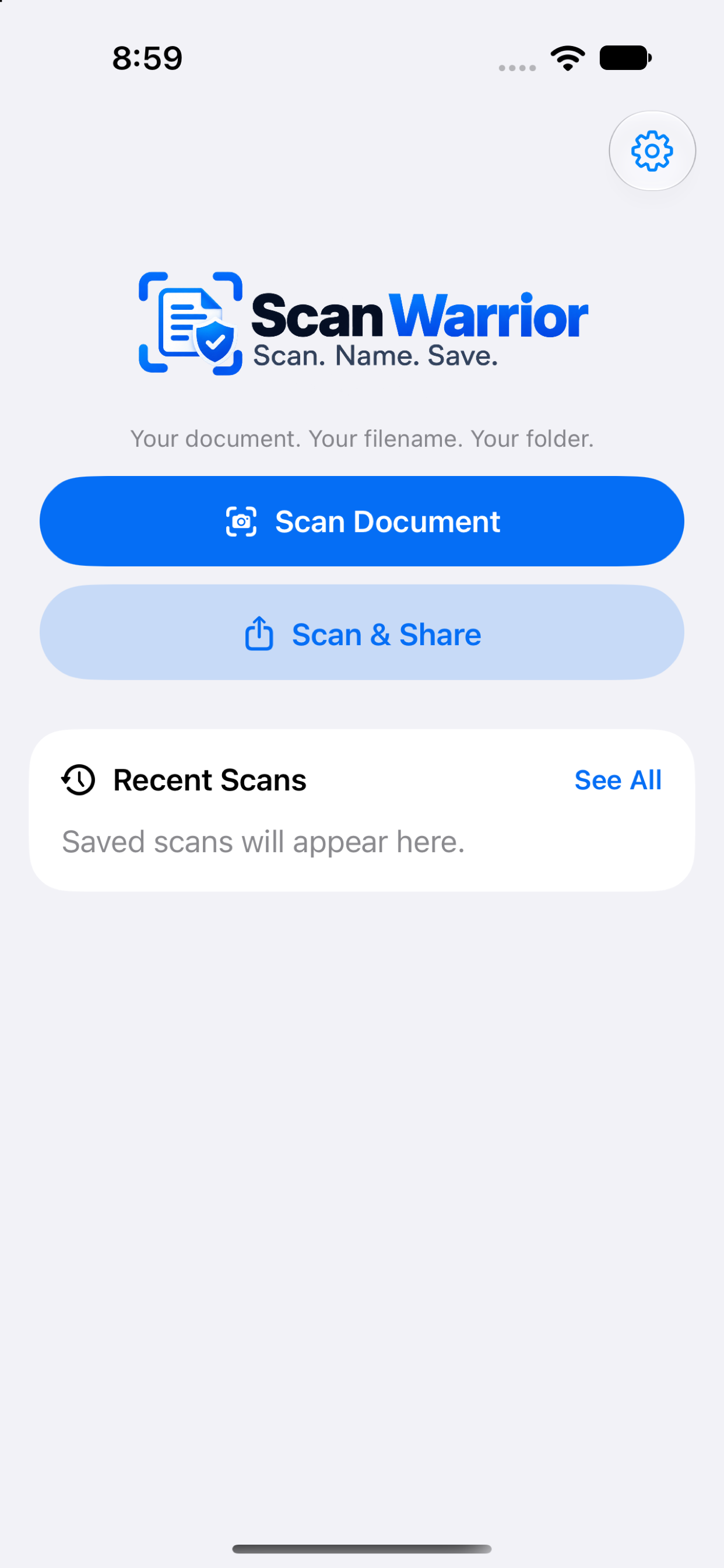
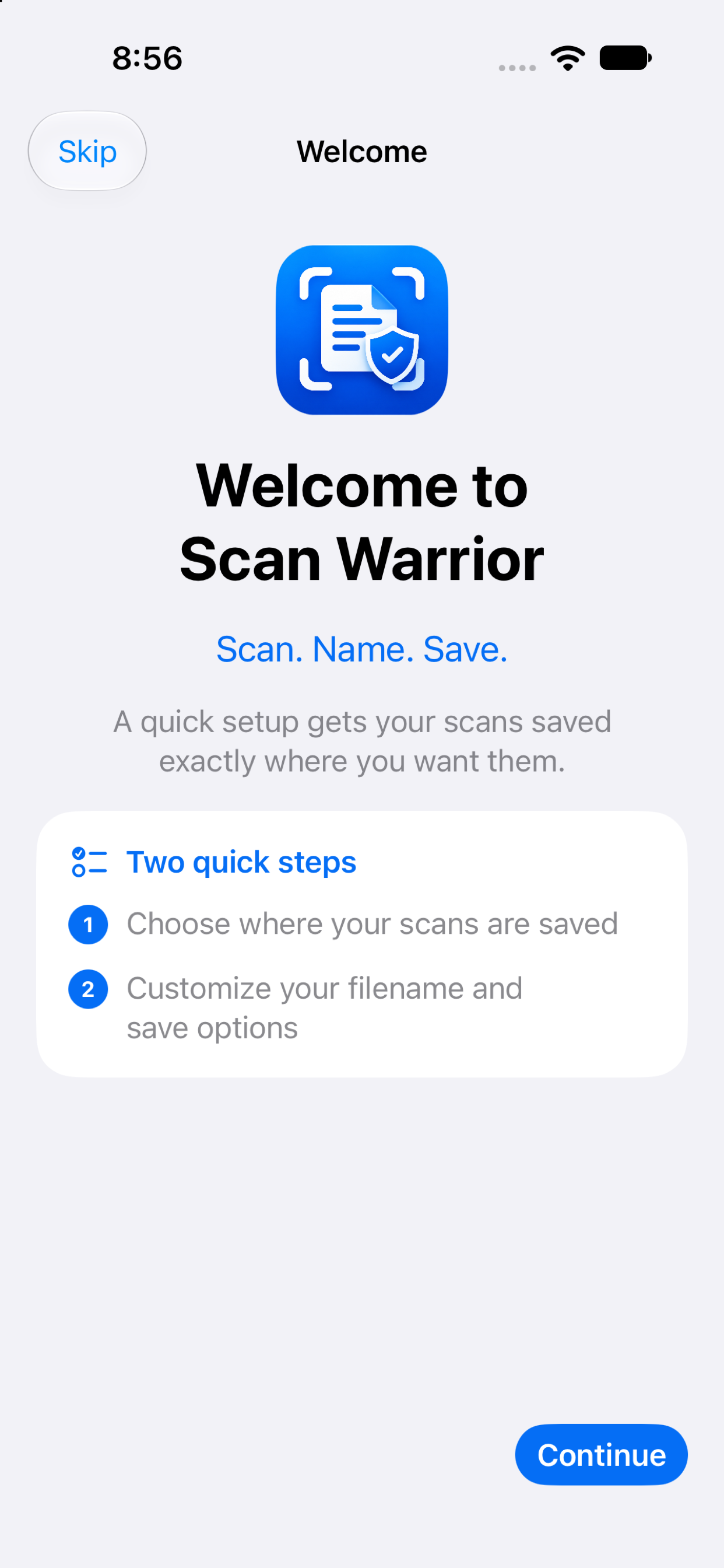
Current screens from Scan Warrior.
Documentation
Feature details, user manual sections, support pathways, and release notes are organized by app.
Common use cases
Get from paper to an organized PDF in a few deliberate steps.
Find Scan Warrior
Scan Warrior is a coming-soon iPhone document scanner for multi-page PDFs, custom filenames, Files folders, optional on-device OCR, and recent scans.
FAQ
Common product, privacy, pricing, and platform questions for people comparing apps.
Scan Warrior is coming soon for iPhone. App Store availability and the final launch date have not been announced.
Yes. Scan multiple pages, review them, choose which pages to include, and add more pages before saving the PDF.
Choose On My iPhone, iCloud Drive, or another folder available through Apple Files. You can save up to five folders as Quick Locations.
Optional on-device OCR adds a searchable text layer to generated PDFs. OCR runs locally on the device.
No account or document-processing backend is used. Scans stay on the device unless you explicitly save the PDF to a Files location or share it.
The current plan is a one-time paid download without subscriptions or in-app purchases. Final storefront pricing will be confirmed at launch.