
Features
Weight Warrior features
Weight Warrior is a private iPhone weight tracker for manual weigh-ins, Apple Health body mass import, trend-aware dashboard metrics, history, analytics, goals, reminders, settings, and CSV export.
App documentation
Feature details, limitations, user value, and screenshots are generated from app-specific documentation data.
Overview
Expandable feature documentation
Each feature carries summary, detail, user value, availability, limitations, roadmap notes, and screenshot references.
Manual Weight Tracking
Free + Premium Log weigh-ins with date, weight, unit, source, notes, tags, and optional progress photo references.
Expand Collapse
Manual Weight Tracking
Free + PremiumLog weigh-ins with date, weight, unit, source, notes, tags, and optional progress photo references.
How it works
Manual entries are stored with SwiftData and can include measured date, value, preferred unit, source type, note, tags, and photo path metadata.
Why it matters
Users can keep a clear, private history even without smart scales or Apple Health.
Apple Health Import
Free + Premium Import body mass entries from Apple Health with separate read and write permission handling.
Expand Collapse
Apple Health Import
Free + PremiumImport body mass entries from Apple Health with separate read and write permission handling.
How it works
Health settings track enabled state, authorization state, import capability, write capability, last refresh, and last error. Imported Health entries remain distinct from manual entries.
Why it matters
Users who already record body mass in Apple Health can use Weight Warrior without retyping their history.
Limitations
Apple Health access depends on user permission and Apple Health availability on the device.
Dashboard Trends
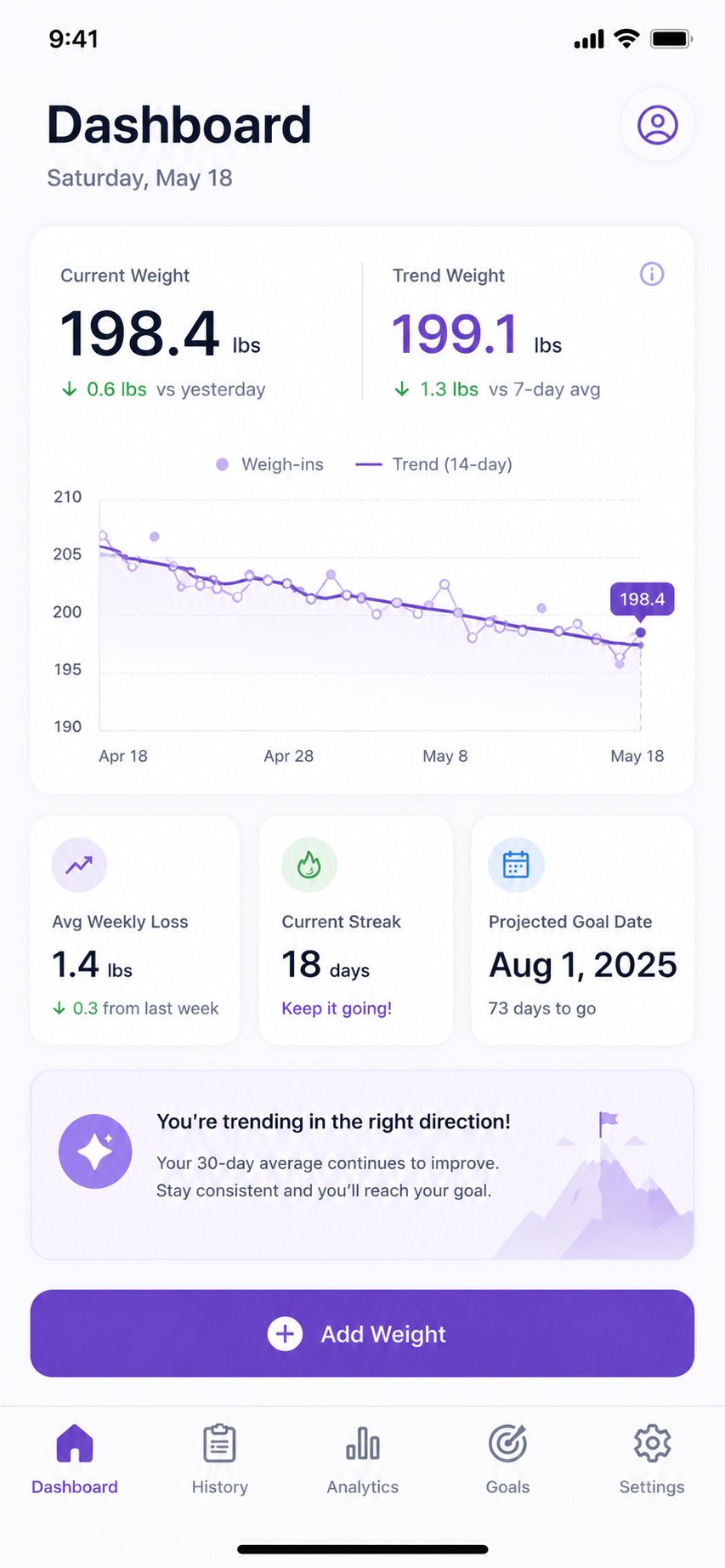
Free + Premium Review current weight, recent average, smoothed chart, weekly pace, streak, projected goal date, and coaching copy.
Expand Collapse
Dashboard Trends
Free + PremiumReview current weight, recent average, smoothed chart, weekly pace, streak, projected goal date, and coaching copy.
How it works
Dashboard metrics adapt to daily, weekly, or occasional weigh-ins. The trend view uses recent entries and smoothing settings to avoid overreacting to single-day movement.
Why it matters
Trend-first summaries help users make decisions from patterns instead of daily noise.
History and Analytics
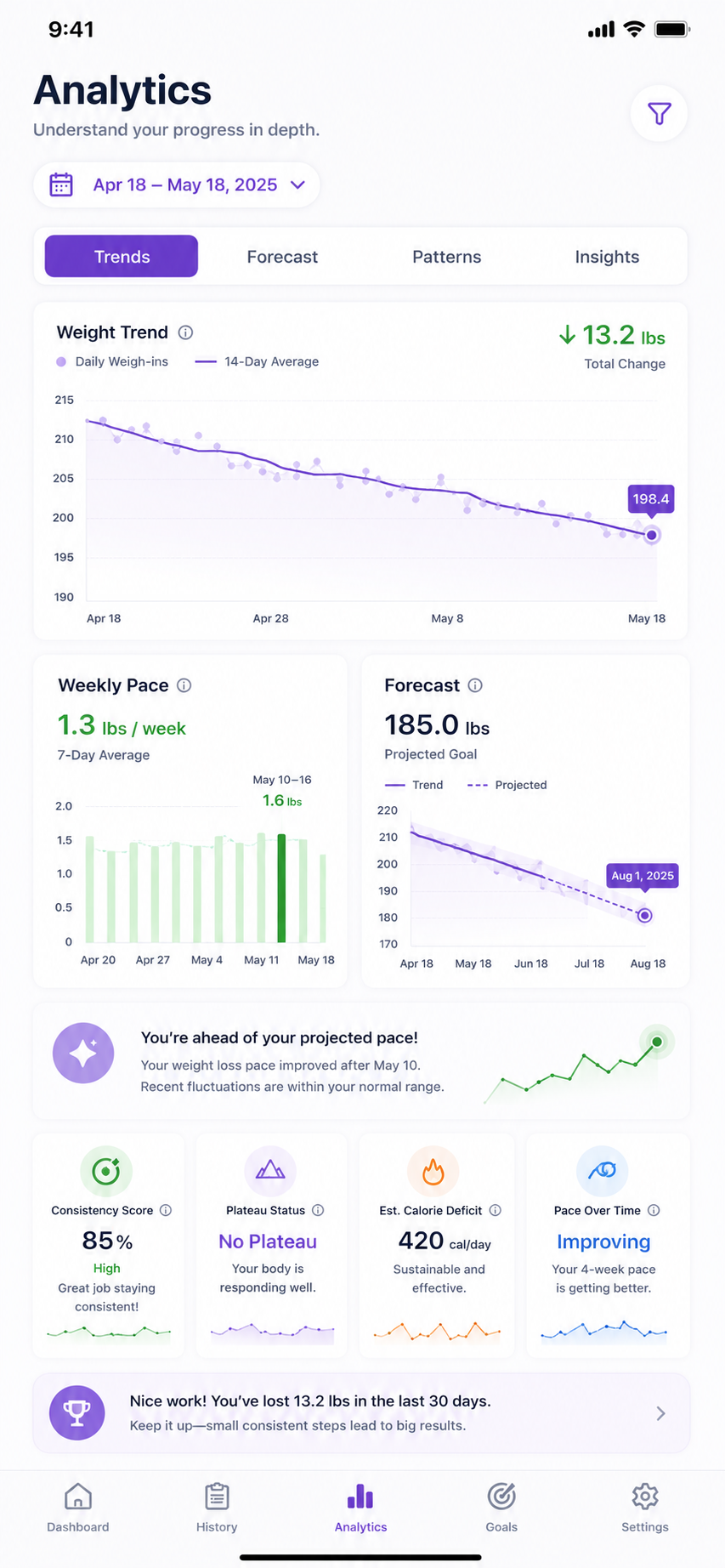
Free + Premium Browse entries, review charts, and compare progress across useful time windows.
Expand Collapse
History and Analytics
Free + PremiumBrowse entries, review charts, and compare progress across useful time windows.
How it works
History and Analytics tabs organize prior entries, chart points, recent changes, averages, and progress summaries for quick review.
Why it matters
The app supports both quick daily logging and periodic progress review.
Goals and Reminders
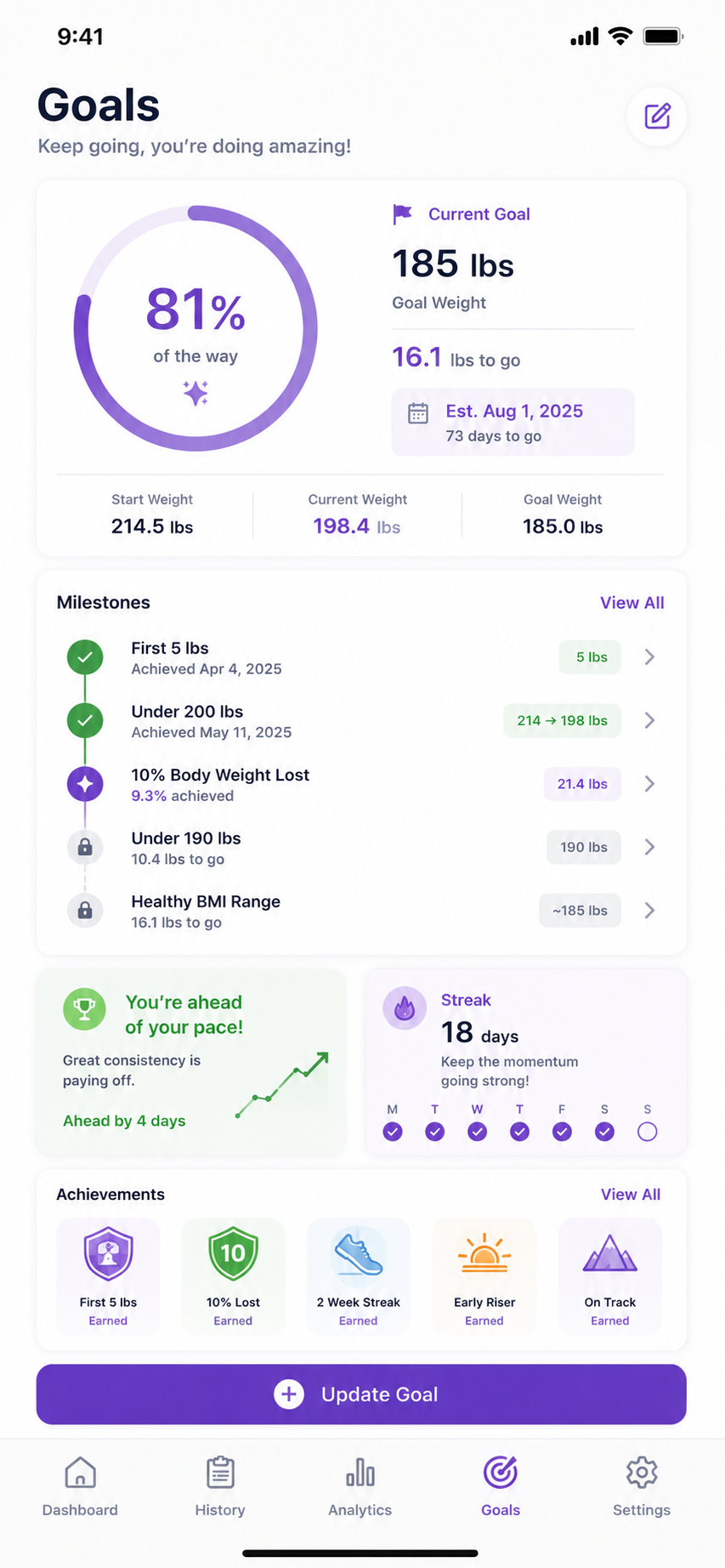
Free + Premium Set start weight, target weight, optional target date, reminder time, and weigh-in days.
Expand Collapse
Goals and Reminders
Free + PremiumSet start weight, target weight, optional target date, reminder time, and weigh-in days.
How it works
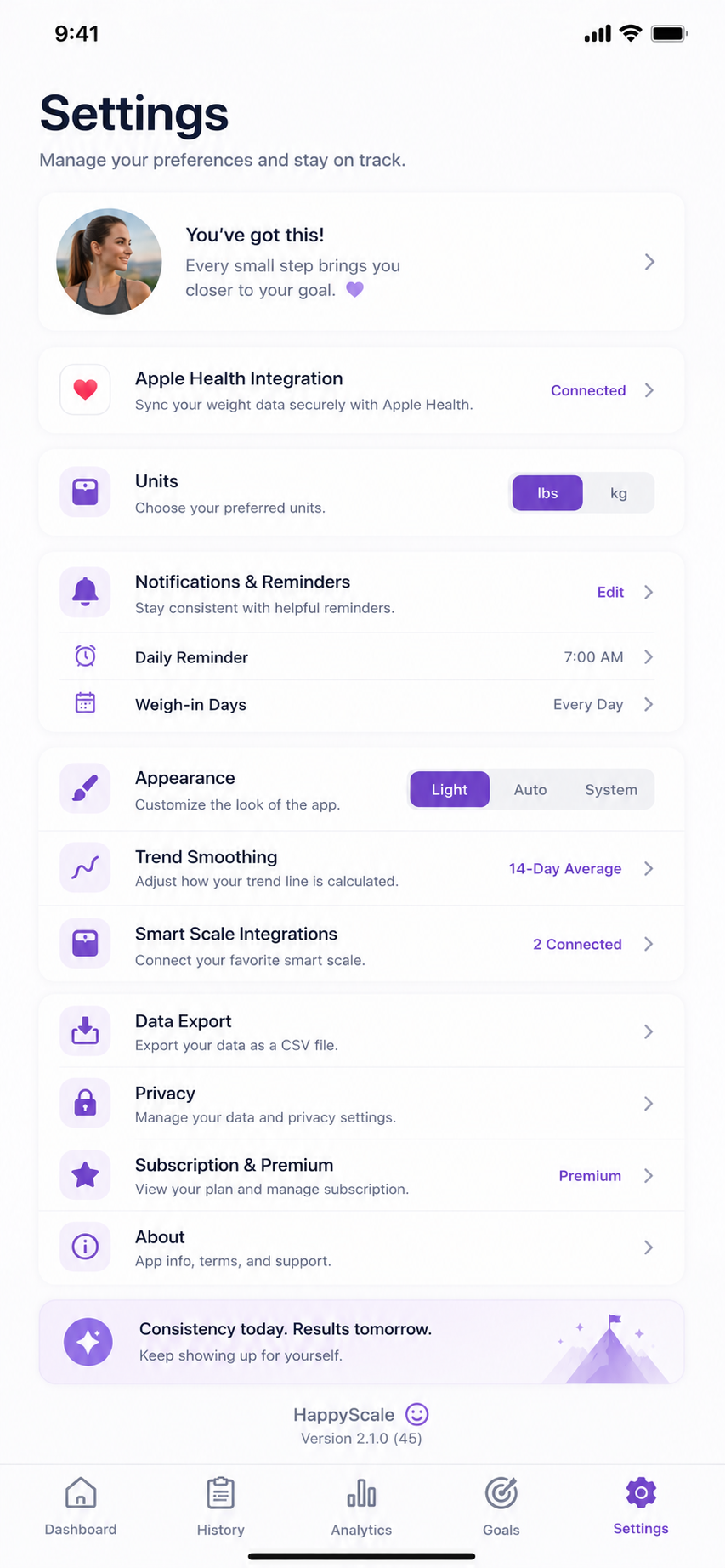
Goals track start date, start weight, target weight, optional target date, active state, and progress. Preferences include reminder state, reminder time, weigh-in days, trend smoothing, unit, and appearance mode.
Why it matters
Goal and reminder settings keep tracking consistent without forcing daily weigh-ins.
Privacy and CSV Export
Free + Premium Keep data local by default and export CSV only through explicit user action.
Expand Collapse
Privacy and CSV Export
Free + PremiumKeep data local by default and export CSV only through explicit user action.
How it works
Weight Warrior is configured as Data Not Collected. The app has no analytics, attribution SDKs, social login, or crash-reporting SDKs. CSV export and sharing are explicit user actions.
Why it matters
Sensitive health-adjacent tracking stays under the user’s control.
Comparison
Weight Warrior availability.
Launch special lifetime unlock.
| Capability | Base | Upgrade |
|---|---|---|
| Manual weight entries | Included | Included |
| Apple Health body mass import | Included | Included |
| Dashboard trend summaries | Included | Included |
| History and analytics | Included | Included |
| Goals and reminders | Included | Included |
| CSV export | Included | Included |
| Account requirement | No account required | No account required |
| Purchase model | Launch availability | $2.99 launch lifetime unlock |
Screenshots
Prepared for real app media
Screenshots are structured by feature and manual section so app pages can show real interface media as each product matures.